I couldn’t find a good .mov→GIF tool, so I built one with Lovable
May 15, 2025
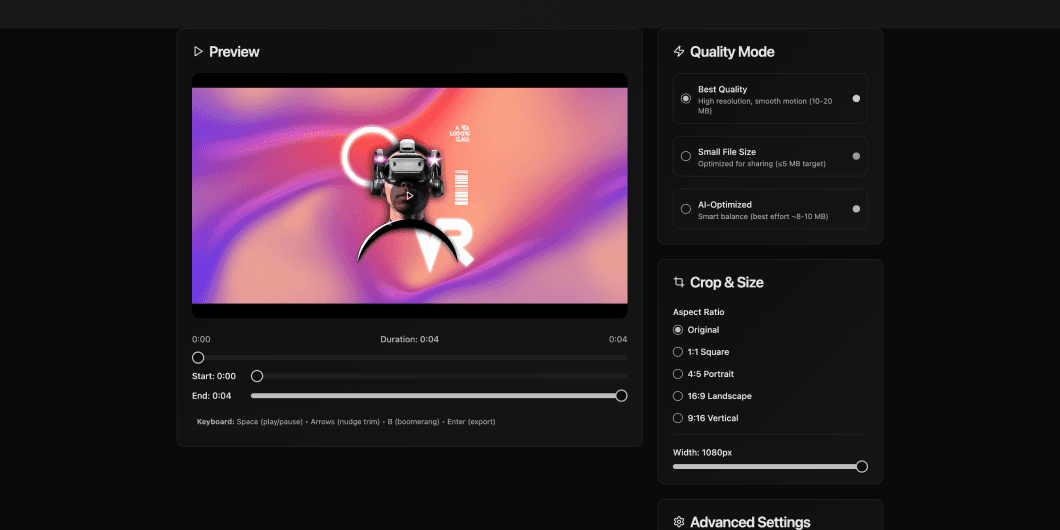
TL;DR. I needed a .mov-friendly, high-quality video→GIF tool that kept clips smooth and respected privacy. I couldn’t find one. So I scoped a tiny web app, built it in five Lovable phases, iterated prompts with ChatGPT, and wired a content-aware ffmpeg pipeline. It ships GIFs from common videos a instant delete.
The itch I couldn’t scratch
The tools I tried either choked on .mov/HEVC, looked choppy, or wrecked colours. I wanted something that behaved like a tiny studio assistant: upload, trim, export, done.
Most converters failed with .mov/HEVC, or capped FPS so low it looked like a flipbook.
I wanted smoothness first (16–30 fps for short/high-motion clips).
Privacy mattered: no accounts, no history, instant delete after download.
Guardrails: ≤200 MB uploads and ≤3 minutes end-to-end on typical 30–120s clips.
Drawing the lines before I built
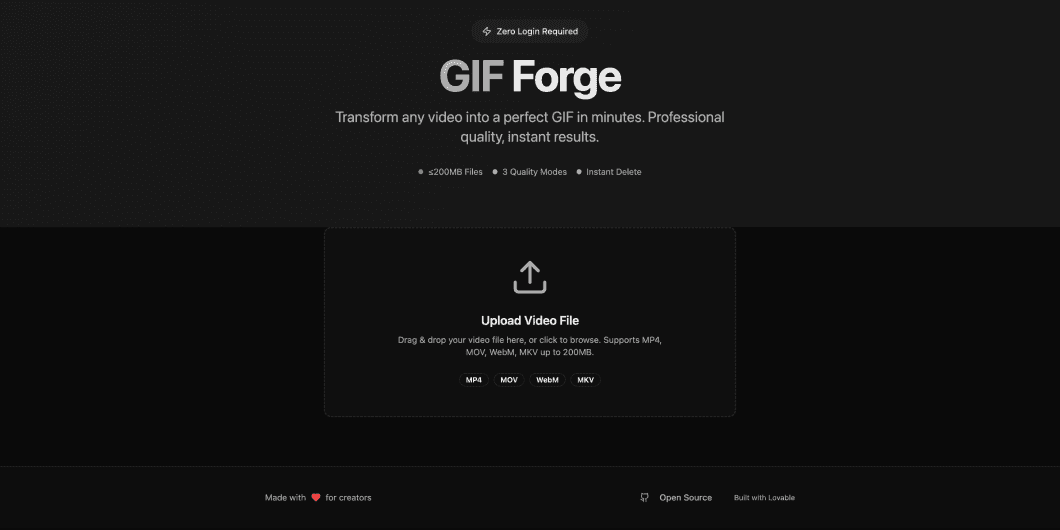
I kept it web-only, upload-only, and focused on just three formats, .mp4, .mov, and HEVC, to cover Mac needs. I added three export modes (including an AI-Optimised one for smart defaults), one playful effect (Boomerang), and made an instant delete rule. That was enough to keep the tool useful without overbuilding.
Extra notes that shaped the scope:
No desktop client, no URL imports → fewer moving parts, less to break.
.mp4/.mov/HEVC covers ~95% of the videos I make.
Three modes meant users could choose the best quality, small file size, or AI optimised.
Instant delete kept privacy simple: no accounts, no history. Simple!
The stack, briefly (opinionated on purpose)
Simple parts, wired well, beat sprawling systems, especially for media.
Frontend: React + TypeScript; Uppy/FilePond for resumable uploads; blob preview; Web Workers for snappy UI.
Backend: Node/Express with native ffmpeg; BullMQ + Redis for jobs; ephemeral tmpfs storage.
Realtime: SSE/WebSocket for progress and stage updates.
Privacy first: no login, no history, purge on completion.
GIF quality lives and dies by palette handling. The high-fidelity path uses palettegen/paletteuse and careful scaling.
Quality pipeline (palette)
Why it helps: stats_mode=diff avoids banding; floyd_steinberg/sierra2_4a dithers keep gradients/text readable; lanczos preserves edges.
The “AI-Optimised” button I wanted myself
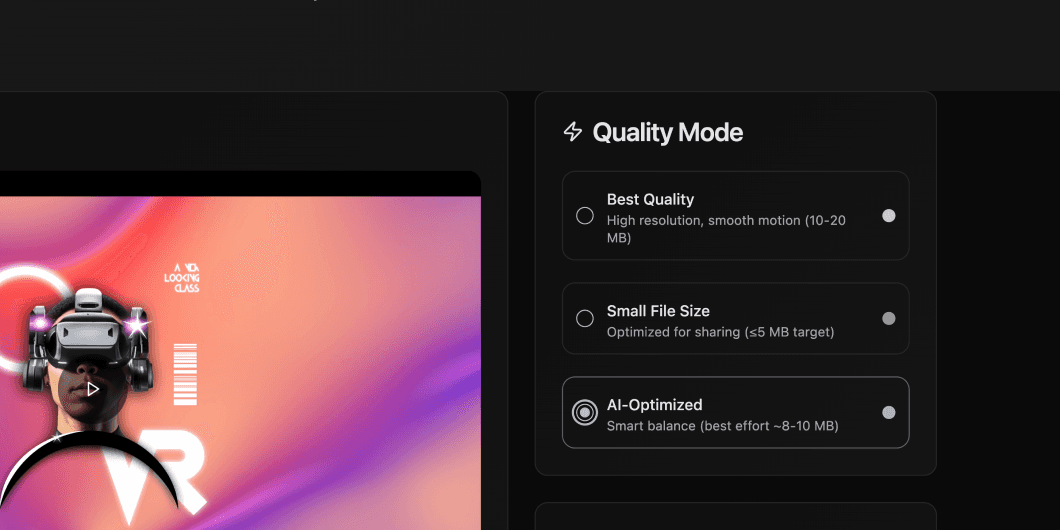
I realised not every video needs the same settings. A talking head didn’t need 30 fps, but some of the other clips did. Instead of just guessing what to tweak, I added an AI-Optimised button that checks the video and picks settings that usually “just work.” It keeps motion smooth first, then adjusts size and colours if needed.
Behind the scenes:
Quick check of resolution, motion, and scene changes.
Prioritises smoothness over squeezing size.
Aims for ~8–10 MB, but allows bigger files if that’s what keeps it looking like real video.
Delete everything, right after you’re done
I don't have space to build a cloud and then store stuff. There was just no use for me to store video GIF or raw files. So I built it to delete everything the moment you download your GIF. No accounts, no history, no hidden folders, just upload, convert, download, and gone.
How it works:
Files live in temporary storage only while converting.
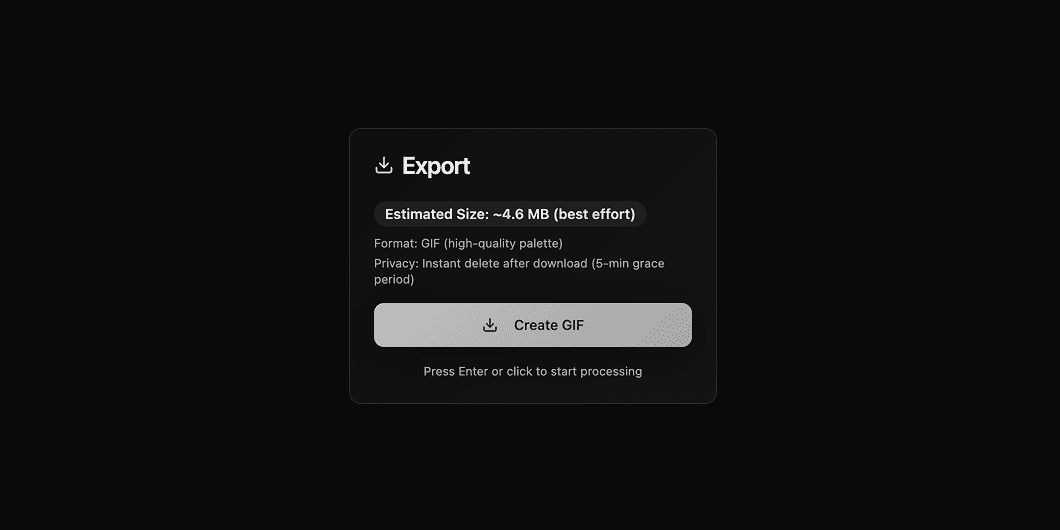
Auto-purge kicks in right after download (or within 5 minutes if you close the tab).
No server logs or backups of media, ever.
Results were kinda good
Numbers vary by machine/instance, but these validated the approach.
120s 1080p .mp4 (~120 MB) → ~2m35s to GIF (Best Quality) end-to-end.
8s .mov (HEVC), high motion → 720px @ 24 fps, 192 colours, ≈ 11.4 MB (AI-Optimized).
4s boomerang → size roughly 2× vs non-boomerang—expected and acceptable.
If I take it further
There’s low-hanging fruit that would make it even more useful without bloating it.
Alt exports: MP4/WebM mirrors (often smaller than GIF for chat apps).
Speed control: 0.5× / 2× before encode.
Crop presets: 1:1, 4:5, 16:9, 9:16.
Smarter estimation with learned priors per content type.
Credits & tools
This was an AI-built in public experiment, but it only worked because I kept the scope tiny.
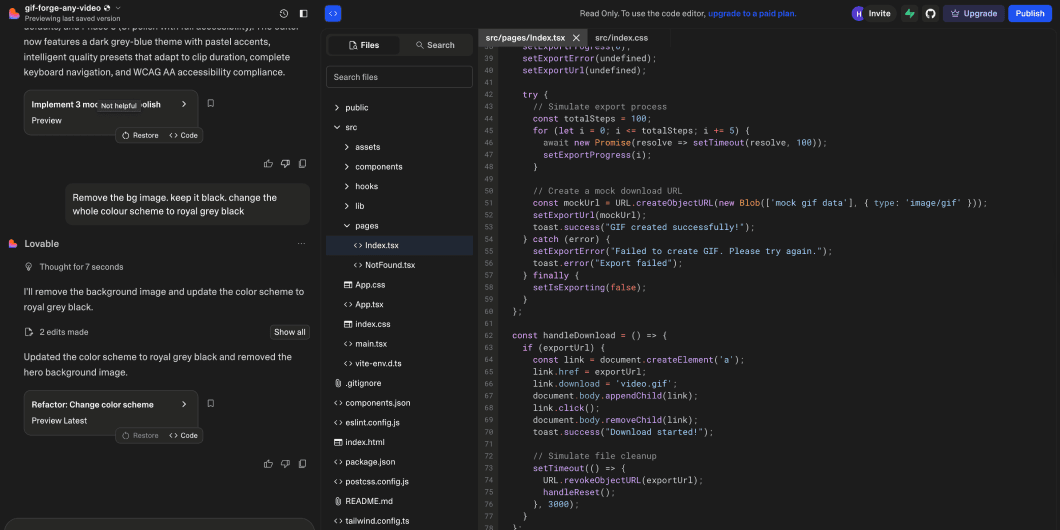
Built with Lovable across five scoped issues.
ChatGPT helped turn broad ideas into testable prompts and shaped the ffmpeg recipes.
Stack: React + TS, Node/Express, ffmpeg, BullMQ/Redis.
Design: dark grey-blue theme with pastel accents; keyboardable timeline; ARIA.
Powerful tech shouldn’t feel heavy. I shape AI and data into simple, human patterns. I design for outcomes that matter. Less friction, clearer decisions, more confidence